
This is a user manual for FLASHFORGE Creator 3 Pro 3D printer, which introduces the product's features and characteristics and usage methods
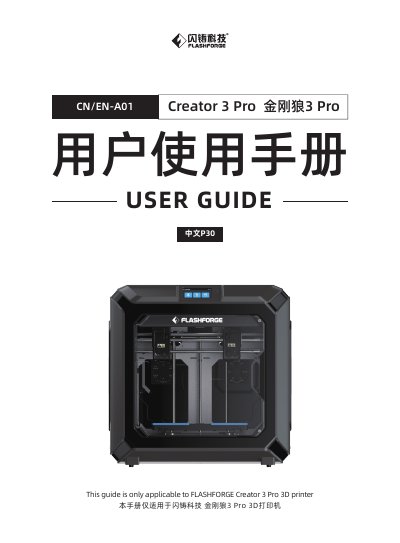
The Flashforge Creator 3 Pro is a fused filament fabrication (FFF) 3D printer with two independent extruders and a 4.3-inch color IPS touch screen. This user guide covers the equipment introduction, packing list, unpacking precautions, filament loading, leveling and calibration, internet connection, FlashPrint installation, and first printing.
It also describes Wi-Fi and USB disk printing, FlashCloud printing, dual-extruder and mirror/duplicate modes, filament configuration, camera connection, the touch-screen interface, and maintenance procedures such as copying logs, unclogging the nozzle, replacing the nozzle assembly, and daily maintenance. Safety warnings, environmental requirements, and service information are included.
| Printer name | Creator 3 Pro |
|---|---|
| Number of extruders | 2, independent |
| Printing technology | Fused Filament Fabrication (FFF) |
| Touch screen | 4.3-inch color IPS touch screen |
| Build volume | 300×250×200mm |
| Layer height | 0.05 - 0.4mm |
| Printing accuracy | ±0.2mm |
| Printing filament | PLA/ABS/PETG/PA/PC/HIPS/ASA/PLA-CF/PETG-CF/PACF/WOOD filament |
| Filament diameter | 1.75mm (±0.07mm) |
| Printing speed | 10~150 mm/s |
| Connectivity | USB Stick, Wi-Fi, Ethernet |
| Printer size | 627×485×615mm |
| Net weight | 40Kg |
The build volume is 300 × 250 × 200 mm.
It has two independent extruders.
The listed filaments are PLA, ABS, PETG, PA, PC, HIPS, ASA, PLA-CF, PETG-CF, PACF, and WOOD filament.
Use the printer at room temperature 15-30℃ and 20%-70% humidity.