
This document is the user manual for the FiiO X1 high resolution lossless music player, describing the features and characteristics of the product and providing answers to frequently asked questions.
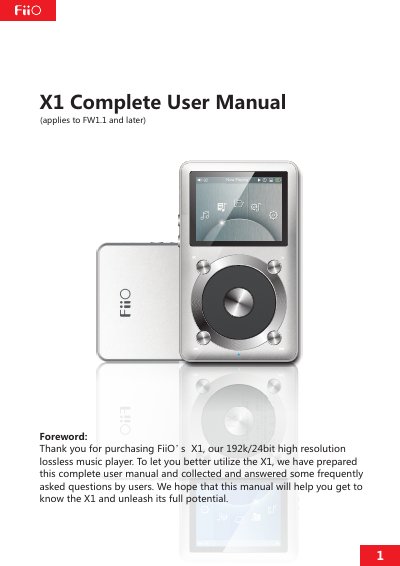
This document serves as a complete user guide for the FiiO X1, a HiFi-class high-resolution digital audio player supporting lossy and lossless music formats up to 192k/64bit. It provides detailed instructions on using the device's buttons, ports, and display interface.
| Supported Formats | MP2, MP3, WAV, WMA, APE, FLAC, AAC, ALAC, OGG |
|---|---|
| Maximum Sample Rate | 192k/64bit |
| Display Resolution | 320×RGB×240 |
| TF Card Capacity | up to 128GB |
The TF card used for firmware upgrades should be in FAT32 format.
Turn off the X1, insert the TF card, then hold the power button while holding the Shortcuts key to turn it on.
A red indicator light means the device is currently charging.