
Quick installation guide for the Enphase Envoy-S Metered, covering preparation, mounting, wiring, network setup, and troubleshooting.
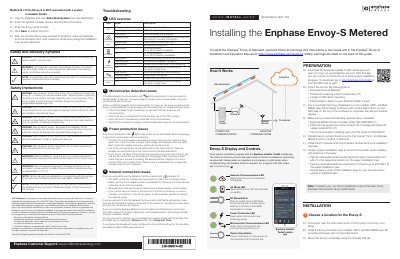
This guide provides instructions for installing the Enphase Envoy-S Metered device. It covers preparation steps such as downloading the Installer Toolkit app and checking required items like the production metering current transformer (CT). It specifies that the device must be installed in a non-metallic, NRTL Certified NEMA type 3R enclosure.
| Enclosure Type | Non-metallic, NRTL Certified NEMA type 3R |
|---|---|
| Startup Voltage | 22V |
You must download the Enphase Installer Toolkit mobile app to log in to your Enlighten account and track progress.
A solid amber LED indicates that troubleshooting with Installer Toolkit is required or that microinverters are not communicating/producing power.
No, the Envoy-S contains no user-serviceable parts, and attempting to repair it will void the warranty.