
This manual provides installation instructions, product specifications, and RGB/fan control settings for the ENERMAX ECA3500 computer case.
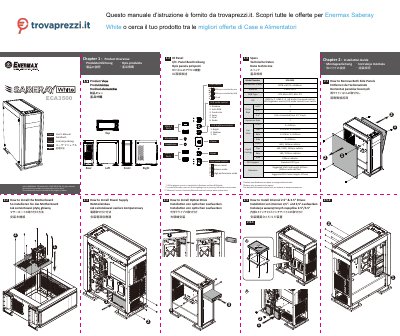
The ENERMAX ECA3500 is a computer case designed to support ATX, Micro ATX, and Mini ITX motherboards. It features a comprehensive I/O panel with USB 3.0 and 2.0 ports, HD Audio, and fan speed controls. The case supports various drive bays, including 2.5" and 3.5" HDD/SSD, as well as optical drives and radiators for liquid cooling. This manual is written in Chinese.
| Dimensions | 478 x 223 x 566mm |
|---|---|
| Material | 0.8mm SPCC |
| Motherboard Type | ATX, Micro ATX, Mini ITX |
| USB 3.0 Ports | 2 |
| USB 2.0 Ports | 2 |
| Front Fan Slots | 3 x 120mm |
| Top Fan Slots | 2 x 140 or 3 x 120mm |
| Rear Fan Slots | 1 x 140 or 1 x 120mm |
| Side Fan Slots | 2 x 120mm |
| Liquid Cooling Support | 360 / 240mm radiator |
| Suggested VGA Card Length | 420mm (280mm with side fan) |
| Suggested CPU Cooler Height | 175mm |
The case supports ATX, Micro ATX, and Mini ITX motherboards.
The suggested maximum length for a VGA card is 420mm, or 280mm if a side fan is installed.
There are 5 ports available for RGB devices, with 3 used for pre-installed front addressable T.B. RGB fans.