
Brick EB308 external hard drive enclosure user manual. The hard drive enclosure supports USB 2.0 and 3.0 interfaces and is compatible with Windows and Mac OS.
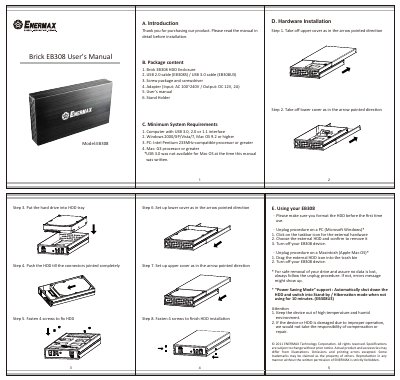
The Enermax EB308 is an external hard drive enclosure designed for use with computers running Windows or Mac OS. The package includes the enclosure, a USB cable (USB 2.0 or 3.0 depending on the model), a power adapter, screws, and a stand holder. Before installation, users must ensure their computer meets the minimum system requirements, such as having a compatible processor and operating system version.
The manual details the hardware installation process, which involves removing the covers, inserting the hard drive into the tray, and securing it with screws. It also outlines the safe unplug procedures for both Windows and Mac OS to prevent data loss. Additionally, the device supports a power-saving mode that automatically shuts down the HDD after 10 minutes of inactivity.
| Input Voltage | AC 100~240V |
|---|---|
| Output Voltage | DC 12V, 2A |
| Power Saving Mode | 10 minutes |
The device requires a computer with a USB 3.0, 2.0, or 1.1 interface, running Windows 2000/XP/Vista/7 or Mac OS 9.2 or higher.
Drag the external HDD icon into the trash bin and then turn off the EB308 device.