
This document describes the parts of ENERMAX products, including output cable, 12cm fan, AC inlet, I/O switch, and CordGuard. The document also provides related precautions and instructions for maintenance.
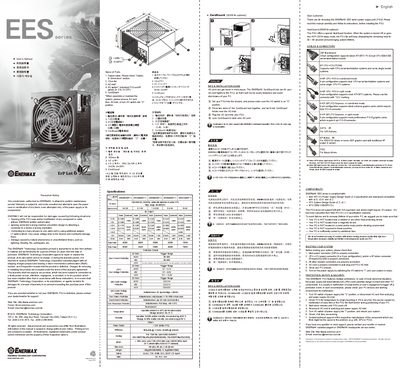
This manual covers the Enermax EES series power supply unit (PSU). It lists all parts, such as the output cable, 12 cm fan, AC inlet, I/O switch, and CordGuard, and explains how to safely install and maintain the unit.
The guide includes compatibility notes, wiring diagrams for ATX, BTX and server boards, protection features, environmental specifications, and detailed warranty terms. It also describes the optional HeatGuard and CordGuard functions and provides troubleshooting steps for common issues.
| Input voltage range | 100‑240 VAC, 50‑60 Hz |
|---|---|
| DC output rails | +3.3 V, +5 V, +12 V |
| Fan size | 12 cm, speed auto‑controlled |
| Weight | 1.8 kg (350/400/500 W) / 2.1 kg (620/720 W) |
| Power factor | > 0.97 (Active PFC) |
Set the PSU with the I/O switch in the “O” position, press both sides of the CordGuard lock, place it into the CordGuard holder near the AC inlet, then plug in and latch the AC cord.
The product is warranted to be free from defects for three (3) years from the date of purchase.