
Enermax ECA3310 Series Chassis User Manual

The Enermax ECA3310 Series Chassis User Manual introduces the features and specifications of the chassis in the series.
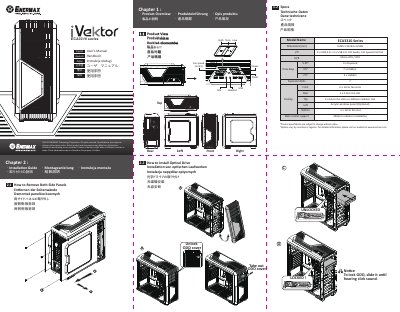

Enermax ECA3310 Series Chassis User Manual - cover page
Brand
ENERMAX
Category
Other Computer Accessories
Document type
User Manual
Language
English
Pages
2
File format
PDF
File size
3.4 MB
Published
18 November, 2023
Updated
18 November, 2023
Model
ECA3310
MD5 checksum
3AA39DA89A50247BB3E0923492ADAE02

About this manual

The Enermax ECA3310 Series User Manual covers the product overview, installation guide, and suggested dimensions for CPU coolers and VGA cards. It includes step-by-step instructions for removing side panels, installing optical drives, internal hard drives, add-on cards, and system fans.

What's inside

  • Product Overview
  • Installation Guide
  • How to Remove Both Side Panels
  • How to Install Optical Drive
  • How to Install Internal 2.5" & 3.5" Device
  • How to Install Add-on Cards
  • How to Install System Fans
  • Suggested Height of CPU Cooler and Length of VGA card
  • Cable Connection Description
  • How to Install the Radiator

Specifications

Dimensions495 x 234 x 508 mm
I/O Ports2 x USB 3.0 + 2 x USB 2.0, HD Audio, Fan Speed Control
Expansion SlotsMicro ATX / ATX
Cooling Fans2 x 12cm fan slots (Front), 1 x 12cm fan slot (Rear)

Frequently asked questions

What are the dimensions of the Enermax ECA3310 chassis?

The dimensions are 495mm in depth, 234mm in width, and 508mm in height.

What I/O ports are available on the front panel?

The front panel includes 2 x USB 3.0, 2 x USB 2.0, HD Audio, and Fan Speed Control.

What type of expansion slots does this chassis support?

The chassis supports Micro ATX and ATX motherboards.

Download PDF (3.4 MB)

More ENERMAX Manuals


View all ENERMAX manuals →