
The EIZO RadiForce G11 is an 18.1-inch monochrome LCD monitor for medical imaging with 1,531 grayscale tones and DICOM calibration support.
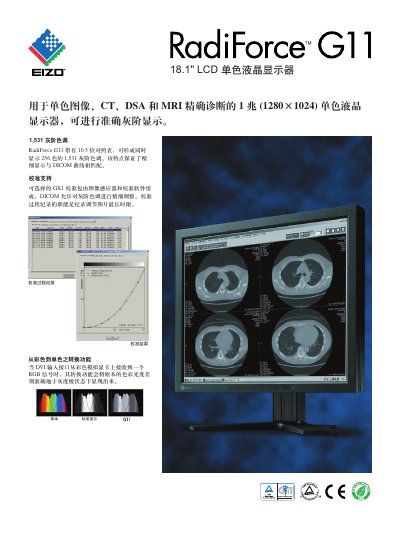
The EIZO RadiForce G11 is an 18.1-inch TFT monochrome LCD display intended for precise diagnosis of monochrome images, CT, DSA, and MRI. It provides 1,531 grayscale tones through a 10.5-bit lookup table and is designed to match DICOM curves.
The monitor offers luminance stabilization, color shift correction, and automatic luminance control. It accepts DVI input, supports an optional GX1 calibration kit, and allows height, tilt, rotation, and portrait adjustments. This manual is written in Chinese.
| Screen size and type | 18.1-inch TFT monochrome LCD |
|---|---|
| Native resolution | 1280×1024 |
| Brightness and contrast | 700 cd/m2, 600:1 |
| Power consumption | 50W normal, less than 8W in power saving mode |
| Net weight with stand | 7.8 kg |
| Viewing angle | 170° horizontal, 170° vertical |
It is an 18.1-inch TFT monochrome LCD display.
Yes, the optional GX1 calibration kit allows fine adjustment of grayscale tones to match DICOM curves.
It consumes 50W during operation and less than 8W in power saving mode.
It uses a DVI-I 29-pin input terminal.