
This manual covers the EIZO R12 19-inch medical-grade LCD monitor, detailing its image control features, DICOM modes, and technical specifications.
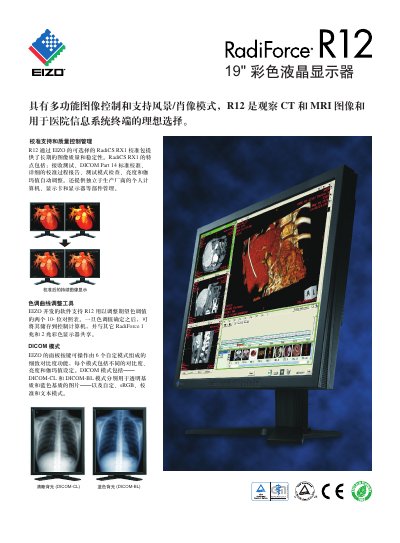
The EIZO R12 is a 19-inch color LCD monitor designed for medical imaging applications, specifically for viewing CT and MRI images. It features multi-functional image control and supports landscape and portrait modes, making it ideal for hospital information system terminals. The monitor ensures long-term image quality and stability through EIZO's RadiCS RX1 calibration package, which includes features like brightness and gamma value auto-adjustment and independent component management. This manual is written in Chinese.
| Screen Size | 19 inches (48 cm) |
|---|---|
| Resolution | 1280 x 1024 |
| Brightness | 250 cd/m2 |
| Contrast Ratio | 450:1 (Standard) |
| Response Time | 50 ms (Standard) |
| Weight (with stand) | 8.1 kg |
It is an ideal choice for viewing CT and MRI images and for hospital information system terminals.
Yes, it supports DICOM-CL and DICOM-BL modes for transparent and blue matrix images, respectively.
The natural resolution is 1280 x 1024.