
This document is a user manual for a color LCD display. It introduces the features, controls, and functions of the display, as well as methods for setting and adjusting it. It also includes information on connecting cables and troubleshooting.
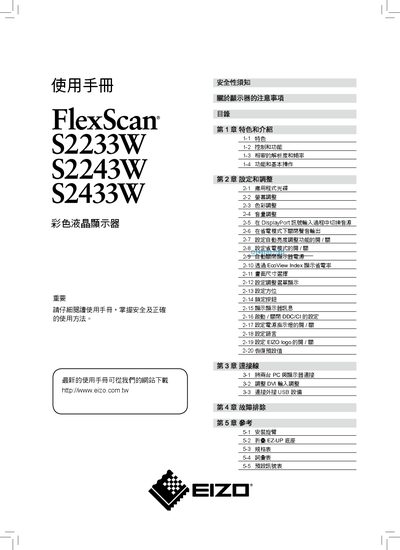
This manual explains safe handling, installation, and operation of the EIZO FlexScan color LCD monitors. It includes safety warnings, product features, and environmental considerations. The document covers model‑specific specifications, how to adjust brightness, contrast, color, connect PCs via DisplayPort, DVI, or D‑Sub, use built‑in speakers, and troubleshoot common issues. This manual is written in Chinese.
| Screen size | 22" (S2233W) / 22" (S2243W) / 24" (S2433W) |
|---|---|
| Maximum resolution | 1680×1050 (S2233W), 1920×1200 (S2243W, S2433W) |
| Maximum power consumption | 80 W (S2233W), 80 W (S2243W), 90 W (S2433W) |
| Standard power consumption | 32 W (S2233W), 36 W (S2243W), 40 W (S2433W) |
| Input interfaces | DisplayPort, DVI‑I, D‑Sub (VGA), USB hub |
| Built‑in audio | Speakers and headphone jack |
| EcoView feature | Auto EcoView brightness adjustment |
Do not use solvents such as thinners, benzene, alcohol, ethanol, or methanol on the LCD panel.
Yes, the device’s power must be connected to a ground line to prevent fire or electric shock.