
This monitor has a high-quality IPS panel with excellent performance combined with 1000:1 contrast and 900 cd/m2 brightness, making it ideal for 3D rendering and image fusion display, and it is also excellent in displaying CT and MRI monochrome images (in compliance with DICOM Part 14 standard).
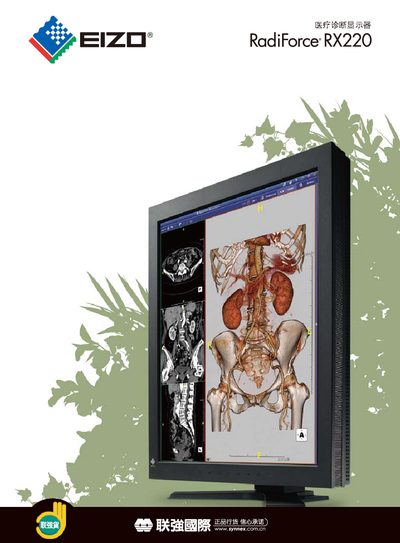
The RadiForce RX220-Y1005CE is a high‑quality IPS medical diagnosis display designed for 3D rendering, image fusion, and CT/MRI monochrome imaging. It meets DICOM Part 14 standards and offers features such as a digital uniformity equalizer and image rotation enhancement.
The manual covers hardware specifications, connection options (DisplayPort, DVI, analog RGB), OSD language settings, power requirements, certifications, accessories, and warranty information, helping users install and operate the monitor safely and efficiently. This manual is written in Chinese.
| Panel Type | IPS |
|---|---|
| Diagonal Size | 540 mm (21.3") |
| Resolution | 1200 × 1600 |
| Contrast Ratio | 1000:1 |
| Brightness | 900 cd/m² (standard) |
| Color Depth (DisplayPort) | 10‑bit (10.7 billion colors) |
| Input Interfaces | DVI 1.0, DisplayPort 1.1a, analog RGB (VGA) |
| Power Supply | AC 100‑120 V / 200‑240 V, 50/60 Hz |
| Weight (incl. base) | 10.4 kg |
It supports DVI 1.0, DisplayPort 1.1a, and analog RGB via DVI‑I and D‑Sub connectors.
Yes, the DisplayPort input accepts 10‑bit color, delivering up to 10.7 billion colors.