
This guide covers initial setup, battery installation, charging, and basic operation modes for the Druck DPI 620 Genii advanced modular calibrator.
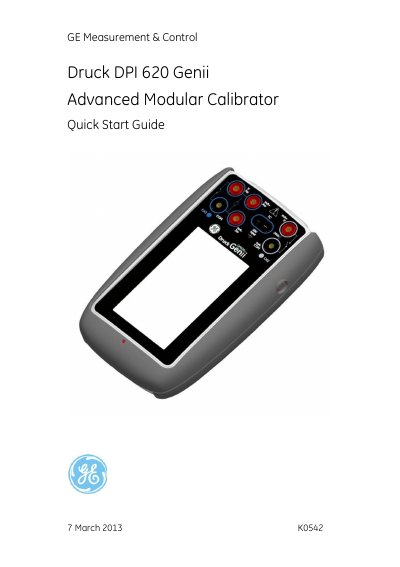
The Druck DPI 620 Genii is a battery-powered instrument designed for electrical measurement and source operations, as well as HART communications. It features a touch-screen display capable of showing up to six different parameters and supplies power and user interface functions for optional items.
The document outlines the contents of the box, including the DC power supply/battery charger, Li-polymer battery, test leads, AC probe, and stylus. It also details optional items such as the Pressure Module Carrier (MC 620) and Pressure Stations (PV 62X) that can be used to enhance the instrument's functionality.
| Power Supply Input | 100 – 240Vac, 50 to 60Hz, 250mA |
|---|---|
| Battery Type | Lithium-Polymer (Li-Polymer) |
| Battery Charging Time (DC Power Supply) | 6.5 Hours |
| Battery Charging Time (External Battery Charger) | 6.5 Hours |
| Battery Charging Time (Mini USB Connection) | 13 Hours |
| Display Capability | Up to six different parameters |
The package includes a DC power supply/battery charger unit, a Li-polymer battery, a set of six test leads, an AC Probe, the Quick Start Guide, and a Stylus.
It takes 6.5 hours to charge the battery using the DC power supply.
Two themes are available: GE Dark and GE Light.
The HART application allows users to communicate with HART protocol devices, read and change device settings, and trim and calibrate device variables.