
User manual for the Dish HS8202 satellite receiver, covering installation, menu navigation, features, and troubleshooting.
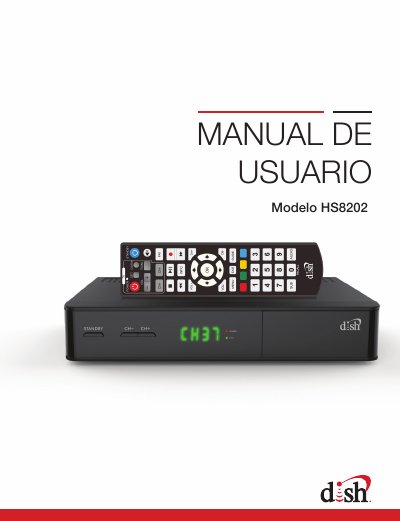
This user manual provides instructions for the Dish HS8202 digital satellite receiver. It covers general information, safety precautions, and the functions of the remote control. The guide details the installation process, including connecting the device to a TV and sound system, as well as initial setup steps like language selection and automatic channel scanning. This manual is written in Spanish.
| Maximum Resolution | 1080p |
|---|---|
| Power Input | 12Vcc 1.5A 18W |
| Power Output | 13/18Vcc 400mA |
| EPG Advance | Up to 7 days |
Check the signal connection and select 'Volver a explorar' to perform the scan again.
Navigate to the 'Apuntalamiento del satélite' menu option in the Tuner settings.
Possible causes include a disconnected power cable, the receiver being in standby, or the antenna not pointing at the satellite.