
This document describes the setup process for the DISH ® TR-6100 receiver.
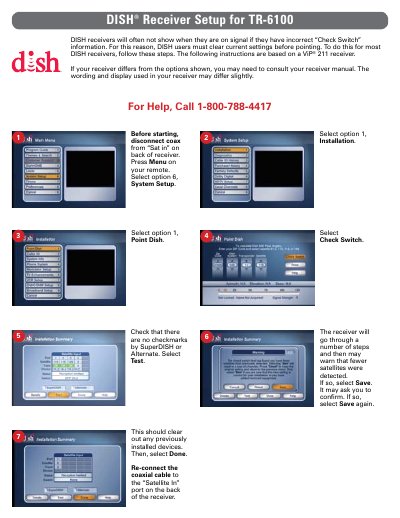
This guide explains how to clear current settings on a DISH receiver before pointing. It details steps such as disconnecting the coaxial cable, navigating the System Setup menu, and selecting options like Point Dish and Check Switch. The process involves confirming satellite detection warnings and saving new configurations.
Disconnect the coaxial cable from the 'Sat in' port on the back of the receiver.
Select option 6 (System Setup) and then option 1 (Point Dish).
The zip code of the current location must be input.