
Digi XStream-PKG-R RS-232/485 RF Modem product manual covering specifications, interfaces, configuration, commands, and RF communication modes.
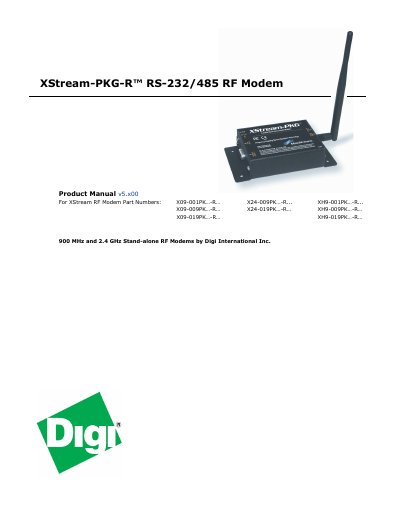
The Digi XStream-PKG-R is an RS-232/485/422 RF modem for long-range wireless data links between devices. It transfers a standard asynchronous serial data stream and supports peer-to-peer, point-to-point, point-to-multipoint, and multidrop networking.
The manual covers external interfaces, DIP-switch configuration, serial and RF operating modes, AT and binary commands, addressing, streaming, repeater, acknowledged, and multi-streaming modes, plus agency certifications and ordering information.
| Supply voltage | 7-18 VDC |
|---|---|
| Transmit power output | 100 mW (20 dBm) / 50 mW (17 dBm) |
| Interface data rate | 125-65,000 bps (software selectable) |
| Receiver sensitivity | -110 dBm (900 MHz), -105 dBm (2.4 GHz) |
| Operating temperature | 0 to 70 C (commercial), -40 to 85 C (industrial) |
| Enclosure size | 2.750 x 5.500 x 1.125 in (6.99 x 13.97 x 2.86 cm) |
| Frequency (900 MHz) | 902-928 MHz |
| Frequency (2.4 GHz) | 2.4000-2.4835 GHz |
| Network topology | Peer-to-peer, point-to-multipoint, point-to-point, multidrop |
| Channel capacity | 7 hop sequences share 25 frequencies |
| Sleep power-down current | 6 mA |
| Antenna connector | Reverse-polarity SMA |
The modem requires a 7-18 VDC power supply.
Commercial units operate from 0 to 70 C and industrial units from -40 to 85 C.
Hold the Configuration Switch down while powering on the modem using the Power Switch.
The yellow top LED indicates serial data out to the host.