
This is a PDF file about Digi Manual Internet Setting, which mainly introduces how to set Digi Manual Internet Setting
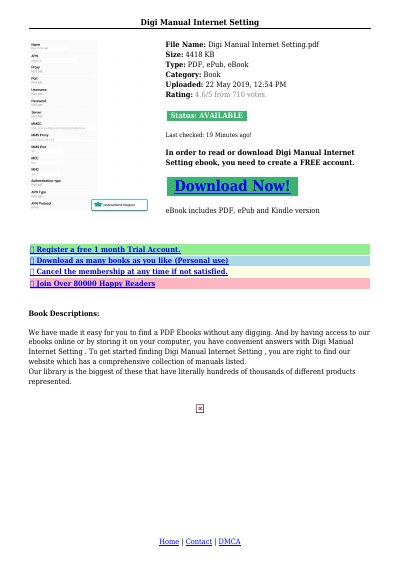
This document provides APN configuration instructions for Digi mobile networks in Malaysia. It includes settings for 3G and 4G data, MMS, and troubleshooting tips for devices that fail to connect. Users are advised to try different APN configurations until connectivity is established. The guide also references device-specific settings and includes details for SIM slot placement and network reset procedures.
The document covers APN settings for various mobile operating systems and brands, including Realme 3, Huawei, and others. It includes specific APN names like 'diginet', '3gdgnet', and 'digimms', along with corresponding user names, passwords, and proxy details for MMS configuration.
| APN Name | diginet |
|---|---|
| APN Name | 3gdgnet |
| APN Name | digimms |
| MMS Proxy | 203.92.128.160 |
| MMS Port | 80 |
Try 'diginet', '3gdgnet', or 'digimms' depending on your device and network needs.
No username or password is needed for most Digi APN settings.
Press and hold the button on the front of the device for 15 seconds until the Network LED blinks orange.
Press the button on the front of the device again and try accessing the web interface.