
This manual introduces the operation method of the 82311 DC-100 counting scale. It includes capacity, resolution, operating mode, keyboard and display, installation and other contents.
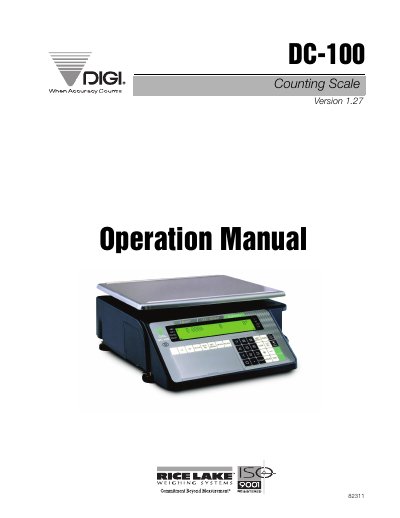
This manual provides step-by-step instructions for operating the DIGI DC-100 counting scale, including installation, calibration, and configuration settings. It details modes of operation such as Operation, Program, Password, and Service modes, along with keyboard functions and annunciator meanings. The guide also covers connecting external devices like printers and barcode scanners, job sequence programming, and error handling. The scale supports multiple item memory and RS-232 connectivity for data collection and labeling tasks.
The DC-100 is designed for precision counting applications with a bright dot matrix LCD display and alphanumeric prompts. It can be configured for various capacities and resolutions, from 1.0 lb to 50,000 lb, and supports units in lb, kg, or g. Battery operation provides up to 30 hours of continuous use for mobile or outdoor applications.
| System Weighing Accuracy | 0.02 percent |
|---|---|
| Maximum Capacity | 50,000 lb |
| Platform Dimensions (Max Capacity) | 60" x 84" |
The DC-100 supports capacities up to 50,000 lb with a weight resolution of 0.05 lb and a counting resolution of 0.000005.
Yes, multiple scales can be connected to the DC-100, along with external platforms, barcode scanners, and printers via RS-232C.