
This manual introduces the basic operation of the Digi-Pro controller, including how to disable the password lock, display machine status, start and stop the dryer, adjust parameters, etc.
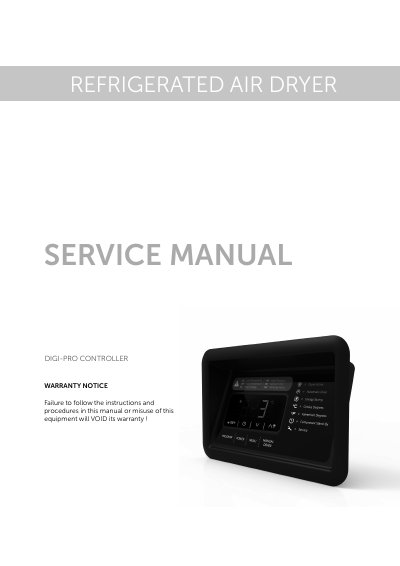
This service manual details how to operate and maintain the DIGI refrigerated air dryer controller. It covers user interface controls, alarm handling, and parameter modification. The manual includes steps to reset filter and service alarms, configure temperature units, and use the programming key for advanced settings. It also explains how to handle high-pressure alarms and condenser fan operations.
The controller displays evaporation temperature and various status indicators. Alarms such as low/high temperature, filter change, and high pressure are shown on screen. Service functions require entering a password to access and reset parameters like running hours. The programming key is used for firmware updates and must be connected via USB to the controller's terminal block.
| Display Shows | Evaporation Temperature |
|---|---|
| Alarm Codes | tAL, tAH, FIL, SEr, HPr, COH, CSd |
| Password for Filter Reset | 149 |
| Password for Service Reset | 171 |
Enter the service menu, access the 'rHF' section, enter password '149', press SET to reset.
Enter the service menu, access the 'rHS' section, enter password '171', press SET to reset.
Enter the parameters menu, input password '149', set value '2' for Fahrenheit or '1' for Celsius, press SET.
It is used to load firmware and modify controller parameters; it must be connected via USB and powered by the controller.