
Delta DOP-B10 series HMI instruction sheet covering installation, wiring, serial communication pin definitions, parts, dimensions, and specifications.
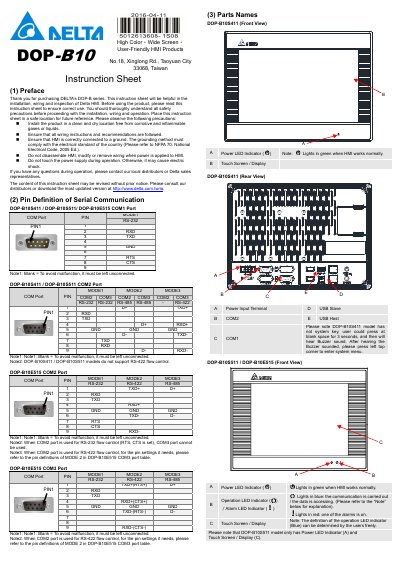
This instruction sheet supports Delta's DOP-B10 series HMI products, including models DOP-B10S411, DOP-B10S511, and DOP-B10E515. It provides installation, wiring, and inspection guidance so users can operate the Delta HMI correctly.
The document contains serial communication pin definitions for COM1, COM2, and COM3 ports, parts names and locations, product dimensions, and technical specifications such as display type, operation voltage, and safety approvals.
| Display Type | 10.1” Widescreen TFT LCD (65536 colors) |
|---|---|
| Operation Voltage | DC +24V (-10% ~ +15%) |
| Waterproof Degree | IP65 |
| Operation Temperature | 0oC ~ 50oC |
The operation voltage is DC +24V (-10% ~ +15%).
The DOP-B10E515 model provides an Ethernet Interface (LAN).
Press a blank space on the screen for 3 seconds, then press the left top corner after the buzzer sounds.