
The Delta AS series PLC Quick Start Guide shows how to set up and use the system, covering architecture, hardware wiring, program planning and basic operation.
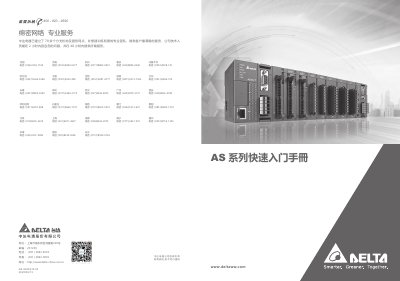
This guide introduces the Delta AS series programmable logic controller (PLC) and walks users through the essential steps to get the system up and running. It explains the system architecture, required hardware components, and provides simple examples for creating projects, configuring I/O, and downloading programs.
The manual also details the use of Delta's ISPSoft and DIADesigner software tools for program development, monitoring, and troubleshooting, and lists the hardware limits and module compatibility for successful system expansion. This manual is written in Chinese.
| Maximum number of expansion modules | 32 |
|---|---|
| Maximum digital points | 1024 |
| Maximum analog modules | 16 |
| Maximum communication modules | 4 |
| Maximum positioning modules | 8 |
| Maximum remote modules | 15 |
| Minimum hardware requirement | One host module and one power module |
| Power module model | AS-PS02 |
You need at least one host module and one power module to build an AS series system.
The system supports up to 1,024 digital points.
An AS series system can have up to 32 expansion modules, not counting power, host, or remote modules.