
Datel PowerBase for Pokémon user manual covering WPS and Wi-Fi setup, web app installation, reset, login, and 3DS game backup, codes, and PowerSaves.
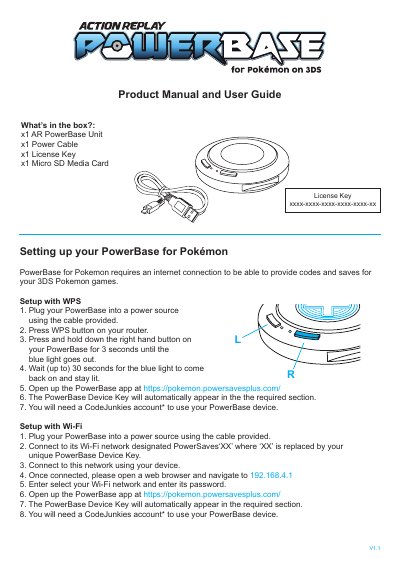
This user guide explains how to set up the Datel PowerBase for Pokémon using WPS or Wi-Fi and connect it to the PowerBase web app at pokemon.powersavesplus.com. A CodeJunkies account and License Key are required to use the device with 3DS Pokemon games.
It also covers adding the web app to iOS, Android, and Windows home screens, resetting the device, logging in, and using Backup/Restore, PowerSaves, and Codes with a 3DS game cartridge.
Hold down the right hand button for 10 seconds until the light goes out, then set up the device again.
You need a CodeJunkies account and the License Key included in the packaging.
The box contains an AR PowerBase Unit, Power Cable, License Key, and Micro SD Media Card.