
C&D Technologies' new DMS-30DR Series is the first digital panel meter to offer LED displays that are readable in direct sunlight - no special filters or shading devices are required. Their Autodim circuit automatically adjusts the display's brightness to make it clearly visible in any environment.
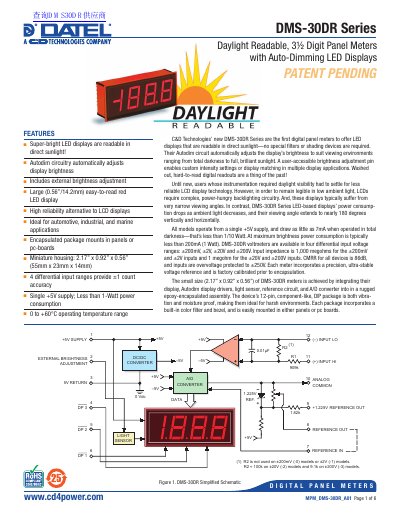
The C&D Technologies DMS-30DR Series consists of digital panel meters featuring super-bright LED displays that are readable in direct sunlight without special filters. These meters utilize autodim circuitry to automatically adjust display brightness based on ambient light conditions, ranging from total darkness to full sunlight. They are designed for high reliability in automotive, industrial, and marine applications, offering a compact, rugged epoxy-encapsulated package.
| Display Type | 3% digit, 0.56"/14.2mm high LED |
|---|---|
| Operating Temperature | 0 to +60°C |
| Supply Voltage | +5V |
| Input Impedance (+200mV/+2V) | 1,000 megohms |
| Input Impedance (+20V/+200V) | 1 megohm |
| CMRR | 86dB |
| Overvoltage Protection | +250V |
| Sampling Rate | 2.5 reading per second |
Yes, the super-bright LED displays are readable in direct sunlight without special filters or shading devices.
The meters draw as little as 7mA when operated in total darkness, which is less than 1/10 Watt.
Yes, a user-accessible brightness adjustment pin enables custom intensity settings or display matching.