
Crouzet Millenium 3 controller installation guide with safety warnings for hazardous locations and 12-24 V DC power supply.
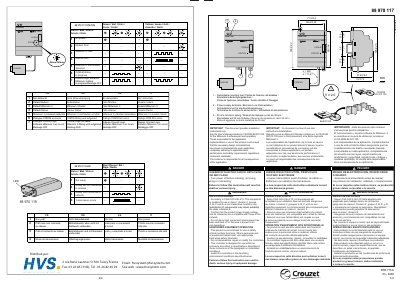
This installation guide covers the Crouzet Millenium 3 controller and COM-M communication modules. It provides installation instructions only, while software operation is described in the User's Manual on CD-ROM 88 970 100.
The equipment is suitable for class I, division 2, groups A, B, C and D or non-hazardous locations according to CSA C22.2 No 213. It uses a 12-24 V DC power supply, mounts with retractable feet or on a 35 mm rail, and includes LED status indicators for power, modem, Millenium 3, and communication dialogs.
| Supply voltage | 12-24 V DC |
|---|---|
| Hazardous location rating | Class I, Division 2, groups A, B, C and D |
| Standard | CSA C22.2 No 213 |
| Mounting | 35 mm rail or retractable feet |
Installation instructions only.
In the User's Manual included on CD-ROM 88 970 100.
12-24 V DC.
Yes, for class I, division 2 locations or non-hazardous locations only.