
Quick start guide for the Creality CR-Laser Falcon laser engraver, covering safety precautions, specifications, parts list, and firmware upgrade.
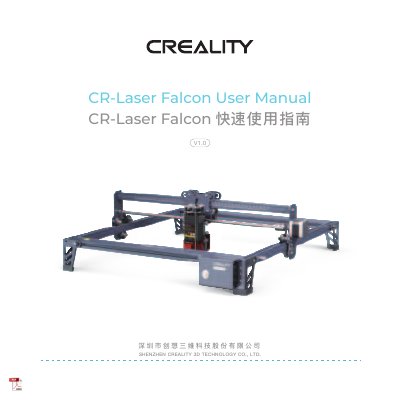
This quick start guide is for the Creality CR-Laser Falcon laser engraver. It covers safety precautions, product parameters, an equipment introduction, and a parts list.
It also explains firmware upgrade by downloading the latest firmware from the official website, saving it to a TF card, and powering on the machine for automatic update. This manual is written in Chinese.
| Model | CR-Laser Falcon |
|---|---|
| Machine size | 568*632*198mm |
| Operation system | Windows /MacOS |
| Input | 100-240V~ 50-60Hz |
| Output | DC 24.0V 3.0A |
| Safety certification | IEC60825, FDA, CE, ROHS, FCC, UKCA, UL report, PSE |
| Engraving size | 400mm*415mm |
| Laser source | Semiconductor laser unit |
| Laser wave length | 455±5nm |
| Safety class | Class I (FDA classification standard) |
| Laser engraving software | LaserGRBL, LightBurn |
| Format files | jpeg, jpg, png, bmp, svg, dxf |
| Type of supporting materials | Cardboard, wood, bamboo, rubber, leather, fabric, acrylic, plastic, etc |
It supports jpeg, jpg, png, bmp, svg, and dxf files.
It supports cardboard, wood, bamboo, rubber, leather, fabric, acrylic, plastic, and other materials.
The engraving size is 400mm*415mm.
Download the latest firmware from the official website, save it to a TF card, insert it into the machine, and power on for automatic update.