
This user manual provides instructions for setting up, operating, and maintaining the Creality Ender-3 Neo 3D printer, including safety precautions and…
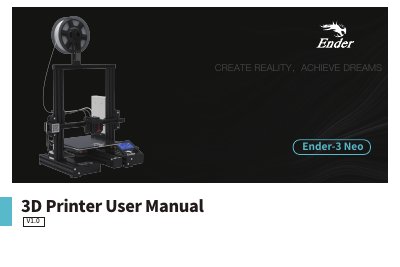
This manual covers the Creality Ender-3 Neo 3D printer, detailing its specifications, parts list, and assembly instructions. It guides users through the initial setup, including installing the Z-axis profiles, screen, and power supply components, as well as connecting the circuit wiring.
| Modeling Dimensions | 220*220*250mm |
|---|---|
| Slice Thickness | 0.1mm-0.4mm |
| Nozzle Diameter | 0.4mm (standard) |
| Printing Material Supported | PLA/ABS/PETG |
| File Format | STL/OBJ/AMF |
| Rated Voltage | 100-120V~ 200-240V~ 50/60Hz |
| Printing Speed | ≤120mm/s |
The printer supports STL, OBJ, and AMF file formats.
Compatible software includes Creality Slicer, Cura, Repetier-Host, and Simplify3D.
The standard nozzle diameter is 0.4mm.