
The manual introduces the usage and precautions of the Creality Ender-3 V2 Neo 3D printer.
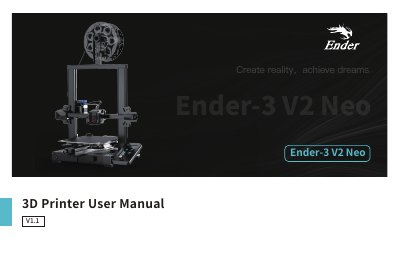
This manual covers the Creality Ender-3 V2 Neo 3D printer, including safety precautions, device specifications, and a list of parts. It guides users through the installation process, such as assembling the gantry frame and connecting the display screen and motors.
| Nozzle diameter | 0.4mm |
|---|---|
| Supported filament | PLA/PETG/ABS |
| Supported file format | STL/OBJ/AMF |
| Input voltage | 100-120V~, 200-240V~, 50/60Hz |
| Printing speed | 220*220*250mm |
| Operating system | Windows XP/Vista/7/10/MAC/Linux |
The printer supports PLA, PETG, and ABS filaments.
The maximum hotbed temperature is 250°C.
The printer supports Windows XP, Vista, 7, 10, MAC, and Linux.