
The Coolpad 8060 user manual provides safety guidelines, operation instructions, and technical specifications for the smartphone.
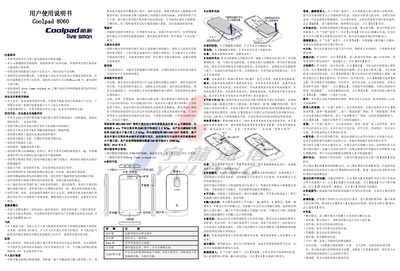
This manual explains safe and effective use of the Coolpad 8060, covering topics such as battery handling, accessories, and environmental precautions. It also details how to operate the device, including phone buttons, contacts, messaging, calls, camera, and internet functions.
Technical data such as dimensions, screen size, battery capacity, camera resolution, and network modes are listed, along with a complete accessories list and regulatory information. This manual is written in Chinese.
| Dimensions | 124mm × 64.3mm × 10.35mm |
|---|---|
| Resolution | 480 × 800 (WVGA) |
| Battery capacity | 1600 mAh |
| Battery voltage | 3.7 V |
| Camera | 3 MP (300万像素) |
| Network mode | TD‑SCDMA / GSM |
| SIM type | UIM / SIM |
| USB interface | Charging / USB / Headphone jack |
Power off the phone first, then remove the battery as described.
The SAR value is less than 0.236 W/kg, well below the maximum allowed 2.0 W/kg.