
This user manual is designed to guide users on how to use the Coolpad 8809 phone. The manual provides some precautions and safety guidelines to ensure that users can use the phone safely and effectively, and comply with the warranty terms.
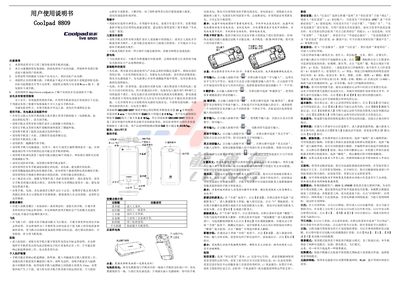
This manual explains how to safely use the Coolpad 8809 mobile phone, covering precautions such as avoiding liquid exposure, high temperatures, and magnetic objects, as well as proper handling of the battery and accessories. It also details the key functions of the device, including the menu, home, volume, camera, and power keys.
The document describes input methods (handwriting, 9‑key and 26‑key Pinyin, numeric, symbol, English letters), communication features (SIM/USIM card usage, contacts, SMS/MMS, dialer, call log), internet and multimedia functions (browser, video, audio, streaming, email), and system settings (display, sound, security, developer options, backup, factory reset). Technical specifications and a list of common faults with solutions are also provided. This manual is written in Chinese.
| Network Standard | TD‑SCDMA / GSM dual‑mode |
|---|---|
| Dimensions | 114.8 × 57.2 × 13.5 mm |
| Display | 3.2‑inch HVGA TFT, 262 k colors |
| Camera | 0.3 MP front, 3 MP rear |
| Battery Capacity | 1450 mAh |
| Operating Temperature | -10 °C ~ +50 °C |
| SAR | < 2.0 W/kg |
Insert the SIM/USIM card correctly; if the phone prompts “please insert SIM card”, ensure the card is properly seated and clean the contacts if needed.
Check the signal indicator, move to a better location, and if needed, restart the phone.