
This instruction manual is specifically designed to guide you in using the phone's functions, and includes a safety and effective use guide, such as when using the phone, charger and other accessories, in flammable and explosive areas, on airplanes, in hospitals, personal medical devices, and driving. The attention should be paid to the issues.
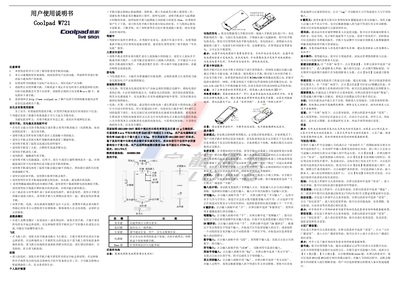
This manual guides Coolpad W721 owners through safe handling, battery care, and basic operation of the device. It includes important safety warnings, such as avoiding high temperatures, keeping the phone away from liquids, and not using non‑original accessories.
The guide also details how to use core functions like making calls, managing contacts, configuring network and Bluetooth settings, using the camera, and customizing privacy mode. Technical specifications and a list of included accessories are provided at the end of the document. This manual is written in Chinese.
| Dimensions | 117×62.5×13.5 mm |
|---|---|
| Resolution | 320 × 480 pixels |
| RAM | 256 MB |
| ROM | 512 MB |
| Front camera | 0.3 MP |
| Battery capacity | 1500 mAh |
| Battery voltage | 3.7 V |
| Network mode | WCDMA/GSM dual‑mode |
| SIM type | Dual small SIM |
| SAR value | ≤ 0.073 W/kg |
Insert the charging data cable into the phone’s I/O port, connect the other end to the charger, and plug it into a power outlet.
Long‑press the power key while the phone is on, then select “flight mode” from the options that appear.
The specific absorption rate (SAR) does not exceed 0.073 W/kg.
Swipe from the top to the bottom of the screen to open the privacy password screen, set a password, and confirm to enter privacy mode.