
This manual is dedicated to guiding you in using the phone's functions, including: Precautions, Safety and Effective Usage Guide, Using the Phone, Charger and Other Accessories, Flammable and Explosive Areas, Airplanes, Hospitals, Personal Medical Devices, Driving, and Children's Safety Instructions
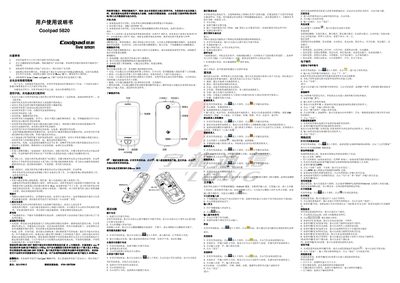
This manual gives safety and effective‑use instructions for the Coolpad 5820, covering handling, charging, and environmental precautions such as avoiding high temperatures, liquids, and magnetic interference. It also explains warranty notes and proper disposal of the battery.
The guide details how to power the device on and off, use the touchscreen, make calls, send messages, browse the web, manage contacts, operate the camera and video recorder, play music, and adjust system settings like network, sound, display, and security features. This manual is written in Chinese.
| Screen size | 16x62x12.2 mm |
|---|---|
| RAM | 256 MB |
| ROM | 512 MB |
| Battery capacity | 1300 mAh |
| Camera | 3 MP |
| Interface | 5‑pin Micro‑USB |
Press and hold the right‑side power key until the screen shows the boot picture.
Open Settings → Wireless and networks → Mobile networks and select flight mode to disable all wireless connections.
The rated battery capacity is 1300 mAh.