
The Coolpad 9976A smartphone user manual provides safety guidelines, operation instructions, feature descriptions, technical specifications, and accessory list.
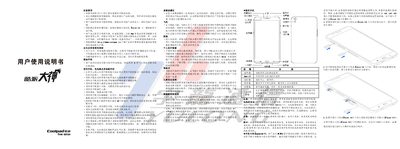
This manual begins with safety and effective‑use guidelines, covering topics such as proper handling of the device, restrictions on use in explosive or medical environments, and precautions for children. It also explains how to insert SIM and Micro‑SD cards, how to charge the built‑in battery safely, and how to operate the phone’s keys and functions.
The second part details the phone’s technical specifications—including dimensions, screen size, camera resolution, battery capacity, network modes, and SAR value—along with a complete accessory list and environmental compliance statements. This manual is written in Chinese.
| Dimensions | 185 mm × 104.5 mm × 7.6 mm |
|---|---|
| Main Camera | 13 MP (AF) |
| Secondary Camera | 5 MP |
| Battery Capacity | 4000 mAh |
| Battery Voltage | 3.8 V |
| Network Modes | WCDMA / GSM |
| SAR Value | 0.049 W/kg |
The SAR value is 0.049 W/kg, which meets the national standard GB 21288‑2007.
Connect the supplied charger to a compatible power source, insert the charging cable into the phone’s I/O port, and charge only between 0 °C and 45 °C; unplug after charging is complete.