
This manual is the Coolpad W713 phone user manual, which mainly introduces the function, use method and precautions of the phone.
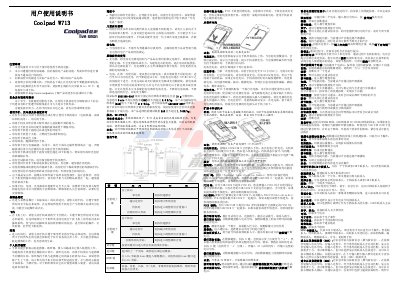
This manual explains safe and effective use of the Coolpad W713, covering precautions such as battery handling, environmental restrictions, and proper installation of SIM and micro‑SD cards. It also details how to operate the device, including power on/off, lock screen settings, and interaction with calls, messages, and multimedia.
Technical specifications are listed, including dimensions, network modes, interfaces, screen size, and battery details. The document also provides a parts list, regulatory information, and instructions for charging, connecting to networks, and using accessories like headphones and chargers. This manual is written in Chinese.
| Dimensions | 115.5 mm × 62.0 mm × 13.2 mm |
|---|---|
| Network mode | WCDMA/GSM |
| Interface | I/O (data/charging) port |
| Headphone jack | 3.5 mm standard |
| Screen | HVGA 3.5‑inch, 320 × 480 pixels |
| Battery capacity | 1280 mAh |
| Battery voltage | 3.7 V |
Charge the new battery for at least 12 hours, but do not exceed 24 hours before first use.
Open Flight Mode in the settings; the phone will disable all wireless connections.
Use only standard SIM cards and T‑Flash (micro‑SD) cards from reputable manufacturers.