
This user guide is designed to guide users in using the functions of the mobile phone. The user guide emphasizes the precautions for keeping the phone safe and using it effectively, including following the prohibition of using the phone in certain places, avoiding contact of the phone with liquids, and avoiding exposing the phone to extreme temperatures. In addition, the user guide mentions the safety issues that may arise from using the phone in flammable and explosive areas, on airplanes, and in hospitals. Users should also be aware of the potential interference of the phone with medical devices and implants, as well as the safety issues of using the phone while driving.
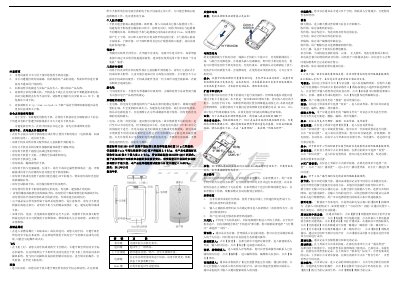
This manual begins with safety and effective‑use guidelines, covering topics such as proper battery handling, micro‑SD card installation, and restrictions on using the phone in prohibited areas like aircraft, hospitals, and explosive zones. It also explains how to protect the device from liquid, extreme temperatures, and magnetic interference.
The second part describes basic operation of the phone, including power on/off, volume control, navigation through menus, contact management, messaging, calling, internet and network settings, camera usage, and backup/restore functions. Detailed steps for charging, using accessories, and configuring system settings are also provided. This manual is written in Chinese.
| Dimensions | 126mm × 66mm × 11.5mm |
|---|---|
| Resolution | 800 × 480 |
| Battery Capacity | 1700 mAh |
| Battery Voltage | 3.7 V |
| Camera | 3 MP |
| Network Mode | CDMA2000 |
Select the call record on the call‑log screen, swipe left‑to‑right, and tap the “Delete” button that appears.
Only the charger supplied by Coolpad should be used to charge the battery.
Turn the phone off or switch it to airplane mode while on an aircraft.