
The CN101A Timer User Manual explains setup, programming, wiring, and operation for 120‑240 V applications.
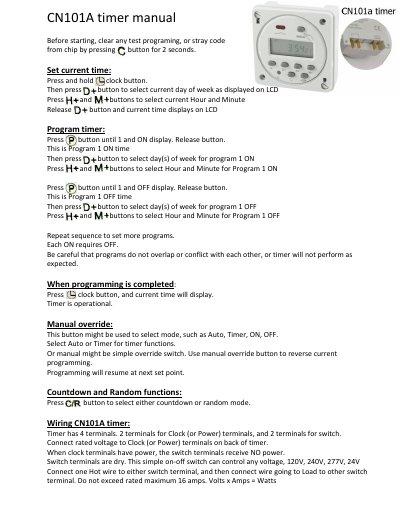
This manual provides step‑by‑step instructions for clearing test programs, setting the current time, programming ON/OFF schedules for each day of the week, and using manual override, countdown and random modes. It also describes how to avoid overlapping programs and how the timer displays the current time after programming.
The wiring section details the four terminals (two for clock/power and two for the switch), recommended voltage ranges, maximum current (16 A), and a 240 V water‑heater example with inline fuse and contactor control. Safety notes include not exceeding the rated current and proper connection of hot wires.
| Number of terminals | 4 |
|---|---|
| Supported voltage | 120 V, 240 V, 277 V, 24 V |
| Maximum current rating | 16 A |
Press and hold the clock button, then press the button to select the current day, hour and minute; release the button to display the time.
The timer is rated for a maximum of 16 amps; exceeding this rating may cause failure.