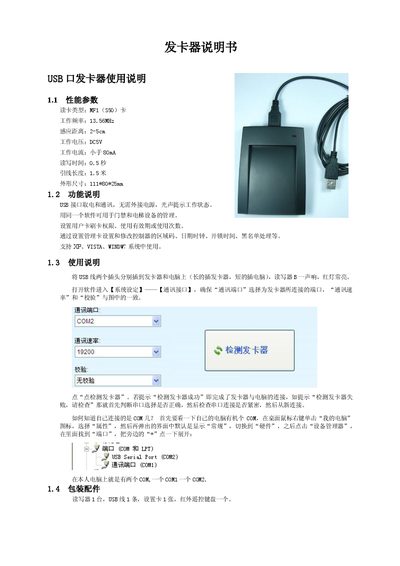
This manual describes a USB‑powered card reader that reads MF1 (S50) cards at 13.56 MHz, with a 2‑5 cm range, 5 V supply, and provides setup instructions…
About this manual
The card reader is a USB‑interface device that reads MF1 (S50) contactless cards. It operates at 13.56 MHz, supports a read distance of 2‑5 cm, draws less than 80 mA from a 5 V source, and has a read/write time of 0.5 s. Physical dimensions are 111 × 80 × 25 mm and it includes a 1.5 m USB cable.
To use the reader, connect the longer USB plug to the device and the shorter plug to the computer, install the supplied software, select the correct COM port and communication settings, and run the “Detect card reader” function. The software runs on Windows XP, Vista and Windows 7 and allows configuration of card permissions, validity periods and usage counts. This manual is written in Chinese.
What's inside
- Performance Parameters
- Function Description
- Connection and Setup
- Software Configuration
- Packaging Contents
Specifications
| Card type | MF1 (S50) |
|---|
| Operating frequency | 13.56 MHz |
|---|
| Operating current | <80 mA |
|---|
| Dimensions (L×W×H) | 111 × 80 × 25 mm |
|---|
Frequently asked questions
How do I connect the card reader to the computer?
Plug the longer USB connector into the card reader and the shorter connector into the computer, then power on the device.
Which Windows operating systems are supported?
The device works with Windows XP, Windows Vista and Windows 7.
How can I verify that the reader is detected?
In the software click “Detect card reader”; a “Detection successful” message confirms the connection.