
The Canon VIXIA HF R11 A, R10 A, and R100 A camcorder instruction manual provides safety guidelines, setup steps, and operating instructions.
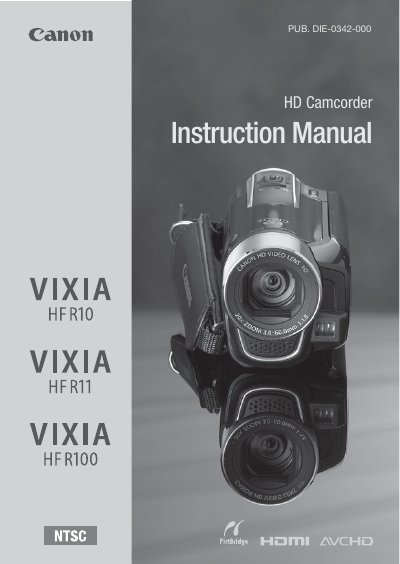
This manual covers safety instructions, product features, and step‑by‑step operating procedures for the Canon VIXIA HF R11 A, VIXIA HF R10 A, and VIXIA HF R100 A camcorders. It includes information on power requirements, battery handling, accessory setup, and how to use the built‑in and external memory cards.
Additional sections describe the camcorder’s high‑definition video capabilities, audio specifications, warranty terms, and troubleshooting tips for interference or equipment issues. The document also provides details on language and time‑zone settings, menu navigation, and the pre‑recording function that captures video before the record button is pressed.
| Video resolution | 1920 × 1080 pixels |
|---|---|
| Power adapter input range | 100 – 240 V AC |
| Audio encoding | Linear PCM, 48 kHz, 16‑bit, stereo |
When pre‑recording is enabled, the camcorder continuously records to a temporary 3‑second buffer, so pressing the record button saves the footage from the three seconds before the press.