
This manual provides installation instructions, connection guides, and troubleshooting for the Buffalo WLI-UC-GNHP Wireless N High Power USB 2.0 Adapter.
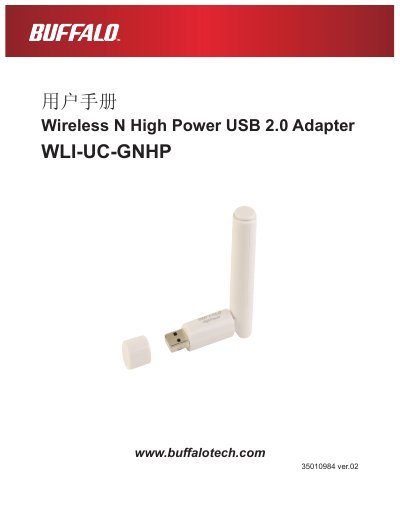
This user manual covers the Buffalo WLI-UC-GNHP Wireless N High Power USB 2.0 Adapter, detailing its features, system requirements, and hardware overview. It explains how to install the wireless drivers and Client Manager utility on Windows Vista and Windows XP systems. This manual is written in Chinese.
| Wireless LAN Interface | IEEE802.11b / IEEE802.11g / IEEE802.11n |
|---|---|
| Frequency Range | 2,412 - 2,462MHz |
| Maximum Data Rate | 150 Mbps |
| Security Modes | WPA2-PSK, WPA-PSK, WEP |
| Power Consumption | 2500 mW (max) |
| Dimensions | 15mm x 15mm x 112mm |
The adapter is designed for PCs running 32-bit versions of Windows Vista or Windows XP.
You can use AOSS (AirStation One-touch Secure System) or WPS (Wi-Fi Protected Setup) to connect easily.
The maximum data transfer rate is 150 Mbps when using Wireless-N mode.