
User manual for the Buffalo LinkStation Pro Duo (LS-WTGL/R1) covering installation, configuration, disk management, and troubleshooting.
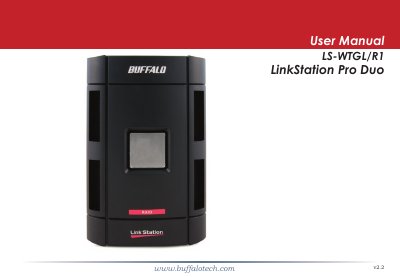
This manual provides instructions for configuring and using the LinkStation Pro Duo network storage device. It covers the installation of the LinkNavigator software, setting up power modes, and connecting the device to Windows PCs and Macs. The guide details how to access shared folders, manage disks, and configure network settings.
| Data Transfer Rates | 10/100/1000 Mbps |
|---|---|
| Hard Drives | (2) SATA 7200 rpm |
| Main Connector Type | RJ-45 (Ethernet) |
| USB Interface | USB 2.0/1.1 |
| Power Consumption | ~21W |
| Dimensions | 3.9" x 6.4" x 8.7" |
The switch has three positions: Auto, On, and Off.
It is best to leave the Power Mode switch set to On.
Windows Vista, XP, 2000, and Mac OS 10.3.9 or later.