
Instruction manual for the BUFFALO CP799 heavy duty induction cooker, covering safety, installation, operation, cooking functions, cleaning, troubleshooting…
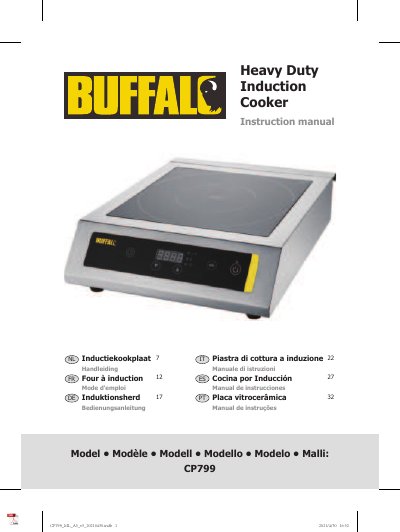
This instruction manual covers the BUFFALO CP799 heavy duty induction cooker. It explains how induction cooking works, suitable and unsuitable cookware, installation and ventilation requirements, and how to use the control panel for power, temperature and timer settings.
The manual also covers safety precautions, cleaning and maintenance of the removable air filter, error-code troubleshooting, electrical wiring, and technical specifications for the CP799.
| Model | CP799 |
|---|---|
| Voltage | 220-240V~ 50Hz |
| Maximum power | 3000W |
| Current | 13A |
| Power range | 500-3000W |
| Temperature range | 60°C to 240°C |
| Dimensions (h x w x d) | 120 x 390 x 490 mm |
| Weight | 7.25kg |
| Power levels | 1 to 10 (default 5) |
| Timer range | 0 - 180 minutes |
| Minimum cookware diameter | 12cm |
| Ventilation clearance | 20cm (7 inches) |
| Heat loss reduction | as much as 40% |
Suitable cookware includes magnetic pans, mild steel or plain steel pans, and enamelled or non-enamelled cast iron and iron pans. Cookware must have a diameter of at least 12cm.
Press the Select button to cycle between the Power and Temperature functions, then use the Increase or Decrease buttons to change the level of each function.
E0 means no cookware or unsuitable cookware is present. Replace the cookware with suitable cookware.
The timer can be set from 0 to 180 minutes using the Increase or Decrease buttons after pressing the timer button.