
Operation manual for the BTU-FZ ultrasonic heat meter, covering installation, sensor wiring, display and menu operation, and troubleshooting.
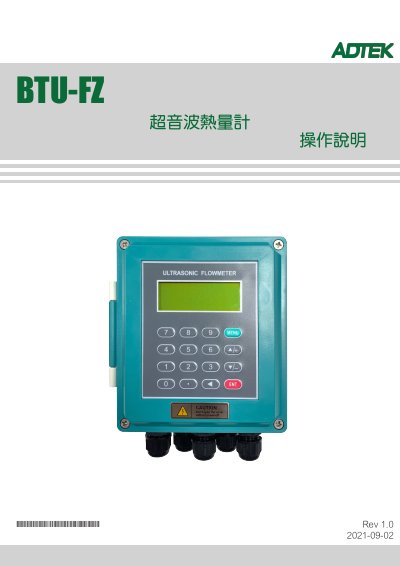
This operation manual describes the BTU-FZ ultrasonic heat meter, which the text says is based on the ultrasonic transit-time difference measurement principle. It explains the product classifications, measurement composition, main unit installation and wiring, and sensor types with their wiring diagrams.
The document also covers the 16-key keyboard and 2×20 backlit LCD, menu-based operation with numbered windows, a menu list, troubleshooting codes, and an appendix of common sound-speed and viscosity parameters. This manual is written in Chinese.
| TS-2 clamp-on heat sensor range | DN15–100; –30 to 90 °C |
|---|---|
| TM-1 clamp-on heat sensor pipe size | DN50–700 |
| TL-1 clamp-on heat sensor pipe size | DN300–6000 |
| TC-1 insertion heat sensor range | DN50–6000; –30 to 160 °C |
| CT-1 clamp-on temperature sensor range | ≥DN50; –40 to 160 °C |
| Display | 2 × 20 dot-matrix backlit LCD |
| Interface languages | Chinese, English, Italian, Turkish |
The manual states that it is based on the ultrasonic transit-time difference measurement principle.
Press the MENU key, then type the two-digit menu number; for example, press MENU35 to enter window 35.
The interface can be set to Chinese, English, Italian, or Turkish.
Check that the sensor is pressed tightly against the pipe and that sufficient couplant is used.