
The Bose Companion 5 multimedia speaker system user guide explains setup, operation, connection, maintenance and specifications.
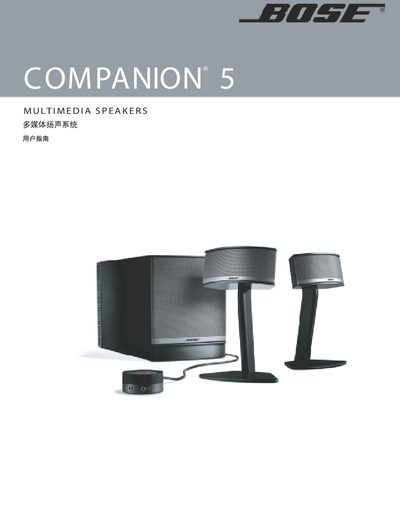
This user guide provides step‑by‑step instructions for installing and using the Bose Companion 5 multimedia speaker system. It covers unpacking, positioning the satellite speakers and Acoustimass module, connecting the system to a computer via USB, and adjusting volume and bass controls.
The manual also includes safety warnings, cleaning and maintenance recommendations, troubleshooting tips, and a full list of product specifications such as power ratings, dimensions, weight, and recommended computer requirements. This manual is written in Chinese.
| Power rating (US/Canada) | 120VAC~ 50/60 Hz 300 W |
|---|---|
| Power rating (International) | 220‑240VAC~ 50/60 Hz 300 W |
| Power rating (Japan) | 100VAC~ 50/60 Hz 300 W |
| Satellite speaker dimensions | 8.85" H × 5.79" W × 3.83" D (22.5 cm × 14.7 cm × 9.7 cm) |
| Acoustimass module dimensions | 8.58" H × 6.82" W × 16.74" D (21.8 cm × 17.3 cm × 42.5 cm) |
| Satellite speaker weight | 1.9 lb (0.85 kg) |
| Acoustimass module weight | 18.3 lb (8.3 kg) |
| Recommended computer CPU | Minimum 1 GHz Pentium or equivalent |
| Recommended computer RAM | Minimum 256 MB |
| Required USB version | USB 2.0 (direct connection recommended) |
The system operates on 120 VAC at 50/60 Hz with a maximum power rating of 300 W.
The system powers on automatically in standby mode when the power cord is plugged in; there is no separate power switch.