
The Bose TriPort headphones are a comfortable, stylish pair of headphones that can connect to virtually any audio device, delivering outstanding audio performance.
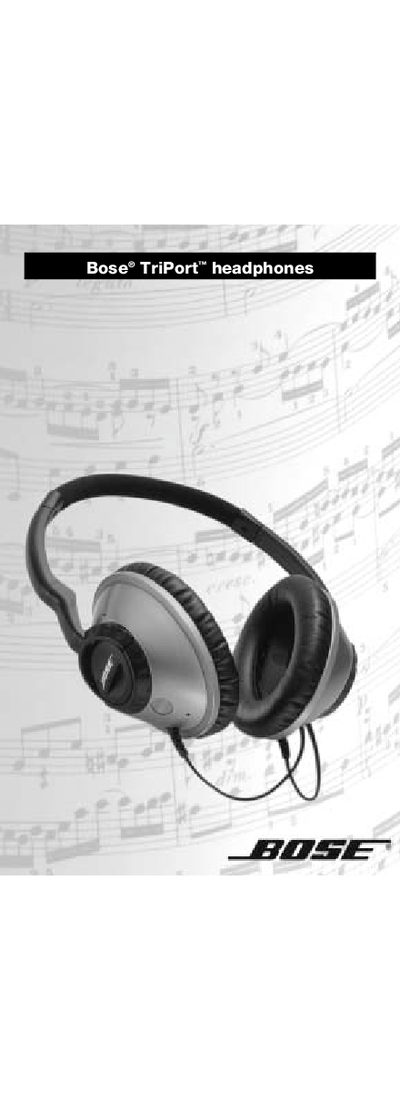
The Bose TriPort headphones are consumer‑grade earphones designed for use with CD/DVD/MP3 players, PCs and home stereo systems, offering a comfortable, stylish design and high‑performance audio.
This user manual explains how to wear the headphones, connect them to audio equipment, clean and replace ear pads, access warranty information, view specifications, and troubleshoot common issues. This manual is written in Chinese.
| Maximum Input Power | 50 mW |
|---|---|
| Sensitivity | 97 dB/1 mW |
Use a damp cloth to wipe the exterior, keep the ports clean and avoid moisture inside the earphones.
Make sure the headphone plug is firmly inserted into the audio device’s headphone jack, not the line‑out jack.