
Key facts
- Manuals
- 76
- Models
- 7
- Categories
- 9
- Languages
- EN · ZH
- Last added
- 2026-10-03
Bose models by category
Featured Bose manuals
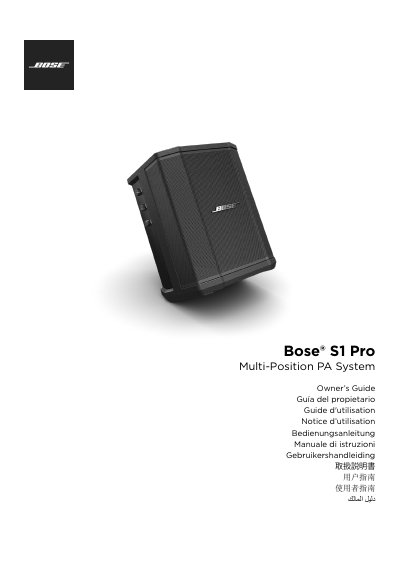
Bose S1 Pro Multi-Position PA System Owner's Guide
This guide introduces the Bose S1 Pro Multi-Position PA System, an ultra‑portable, three‑channel PA, floor monitor, and practice amplifier. It explains the system’s four configurable positions, key features such as Auto EQ, ToneMatch processing, and Bluetooth streaming, and lists the accessories that ship with the unit.
The manual covers important safety instructions, detailed connection and control information, step‑by‑step setup procedures, troubleshooting tips, and care and maintenance recommendations. It also includes the full technical specifications of the S1 Pro.
Covers: Introduction · Quick Setup Guide · System Configurations · Connections and Controls · Operating Information · Maintenance and Care
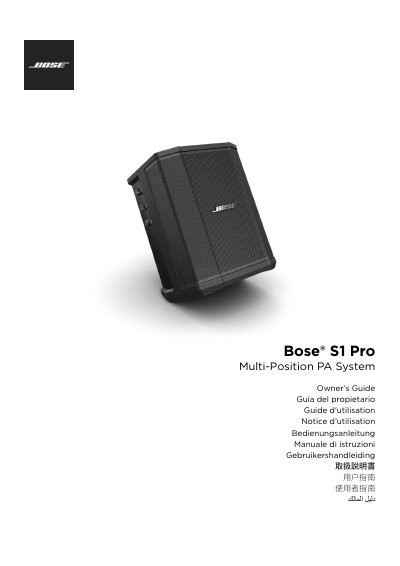
Bose S1 Pro Multi-Position PA System Owner’s Guide
The Bose S1 Pro is an ultra‑portable, multi‑position PA system that can be used as a floor monitor, practice amplifier, or primary music system. It features a 3‑channel mixer, Bluetooth streaming, ToneMatch processing, and four configurable positions (Elevated Surface, Speaker Stand, Monitor, Tilt‑Back) with Auto EQ.
This guide covers quick setup, detailed connections and controls, system configurations, care and maintenance, specifications, and warranty information, helping users safely install and operate the S1 Pro in a variety of environments.
Covers: Introduction · Quick Setup Guide · System Configurations · Connections and Controls · Operating Information · Care and Maintenance
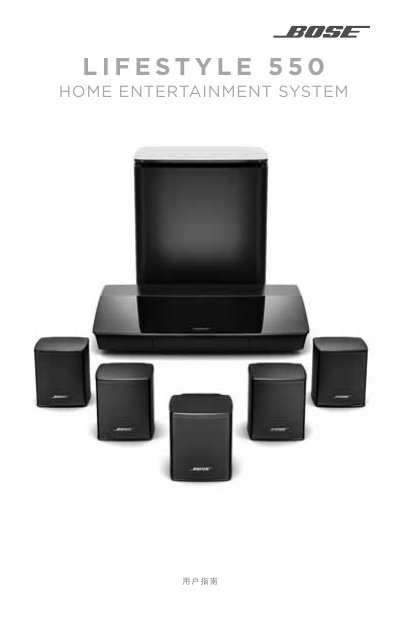
Bose Lifestyle 550 Home Entertainment System User Guide
This guide covers important safety information, proper placement, and installation of the Lifestyle 550 system, including wiring, speaker placement, and required accessories. It also explains the UNIFY system architecture and how to connect the system to Wi‑Fi, Bluetooth, and the SoundTouch app.
Detailed sections describe remote‑control functions, how to manage wireless Acoustimass subwoofers, perform system maintenance, update firmware, and resolve common issues. Warranty and regulatory information are provided at the end of the document. This manual is written in Chinese.
Covers: Important Safety Instructions · Getting Started · UNIFY System Overview · Remote Control Operation · SoundTouch App Setup · Installation Reference
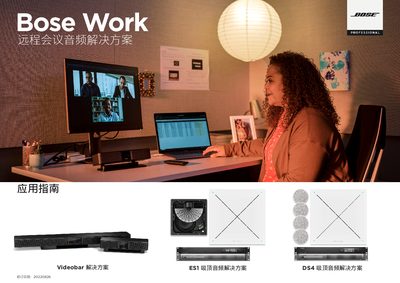
Bose Work Application Guide
This guide introduces Bose Professional's conference solutions for unified communications and remote meetings. It covers the definition of remote meetings, the different system types—Videobar‑based rooms, integrated rooms, and ceiling‑audio solutions (VB‑S, VB1, ES1, DS4)—and provides system diagrams and feature overviews.
The document also details software suites, REST API enablement, UC partner integrations (Microsoft Teams, Zoom, Google Meet, Avaya, Cisco), and application examples to help users select the appropriate solution for their workspace. This manual is written in Chinese.
Covers: Welcome to Bose Work · Remote meeting definition · Videobar‑based conference rooms · Videobar software suite · UC partner solutions · VB application examples
Latest Bose manuals
Bose S1 Pro Multi-Position PA System Owner's Guide
User Manual 192 pages · 42.5 MB · ENThe Owner's Guide provides setup, operation, safety, and maintenance instructions for the Bose S1 Pro Multi-Position PA System.
Bose S1 Pro Multi-Position PA System Owner’s Guide
User Manual 192 pages · 42.7 MB · ENThe Bose S1 Pro Owner’s Guide provides setup, operation, safety, and maintenance instructions for the multi‑position PA system.
Bose Lifestyle 550 Home Entertainment System User Guide
User Manual 42 pages · 1.6 MB · ZHThe Bose Lifestyle 550 user guide provides safety instructions, setup steps, remote control usage, and troubleshooting for the home entertainment system.
Bose Work Application Guide
Application Note 37 pages · 22 MB · ZHThe Bose Work Application Guide explains Bose Professional's remote‑meeting solutions, including Videobar, integrated and ceiling‑audio systems.
Bose Sub1/Sub2 Powered Subwoofer User Guide
User Manual 14 pages · 3.6 MB · ZHThe Bose Sub1/Sub2 user guide explains safety, setup, connections, controls, maintenance and troubleshooting for the powered subwoofers.
Bose QuietComfort 35 II Headphones User Manual
User Manual 38 pages · 933 KB · ZHThe manual provides safety instructions, Bluetooth setup, usage, maintenance, and troubleshooting for the Bose QuietComfort 35 II noise‑cancelling headphones.
Bose SoundTouch SA-5 Amplifier User Guide
User Manual 30 pages · 1.9 MB · ZHThe Bose SoundTouch SA-5 amplifier user guide provides safety warnings, installation steps, Wi‑Fi setup, speaker connections and troubleshooting.
Bose Soundwear Companion Speaker User Manual
User Manual 36 pages · 717 KB · ENThe Bose Soundwear Companion speaker user manual provides safety instructions, setup steps, battery care, app usage, and troubleshooting.
BOSE SL2 user manual
SL2 Wireless Surround Link
BOSE QUIETCOMFORT 15 user manual
This document is the owner's guide for Bose QuietComfort 15 Acoustic Noise Cancelling headphones.
BOSE LIFESTYLE V30/V20 user manual
This document is the Owner's Guide for HOME THEATER SYSTEMS LIFESTYLE LIFESTYLE® V30 ® V20 ii, providing instructions for setting up and operating the system.
BOSE Lifestyle 5 Music System user manual
The document is the owner's guide for the Bose® Lifestyle® 5 Music System, providing safety information and describing the features and characteristics of the system.
BOSE Wave Radio/CD user manual
This manual introduces the safety information for Bose Wave Radio/CD product, including safety precautions, warning information, maintenance and care.
Bose Panaray MA12 loudspeaker user manual
The MA12 is a 300W speaker, designed as a linear array that is intended for indoor fixed installations of single or multiple speakers.
Bose Panaray LT 9403 loudspeaker Manual
Panaray LT 9403 is a three-way, high-power, full-range speaker that is designed for use in medium-sized indoor venues. With a projection angle of 93° (horizontal) x 49° (vertical), it is best suited for use in venues with a lot of reflected sound. It is available in black and white, and the front of the speaker has been curved to give it a more attractive appearance. It is easy to move around, and the rotatable waveguide allows it to be installed either horizontally or vertically. LT 9403 is a high-power, full-range speaker with excellent coverage control, and it can be used without a subwoofer.
Which document do I need?
User Manual
Day-to-day operation, settings and troubleshooting. Start here if the product is already set up.
Application Note
How to use the product for one specific task, with worked examples.
Questions answered in Bose manuals
What weight must a tripod or stand support when used with the S1 Pro?
The stand must be capable of supporting at least 7 kg (15 lb).
What is the recommended weight capacity for the tripod/stand used with the S1 Pro?
The tripod/stand must be capable of supporting a speaker with a minimum weight of 7 kg (15 lb).
How many channels does the S1 Pro mixer have?
The S1 Pro includes a full‑featured 3‑channel mixer.
How do I update the system software?
Install or open the SoundTouch app and follow the prompts to update the system software.
From: Bose Lifestyle 550 Home Entertainment System User Guide
What types of conference rooms does Bose Work support?
Bose Work supports integrated conference rooms and Videobar‑based conference rooms, each with specific hardware and software configurations.
How do I reset the Sub1/Sub2 to factory settings?
Press and hold the standby button for 10 seconds; the subwoofer will reset to its factory defaults.