
This document is the setup guide for LIFESTYLE ® V35/V25 HOME ENTERTAINMENT SYSTEMS LIFESTYLE ® T20/ T10 HOME THEATER SYSTEMS. It mainly introduces precautions before installation and installation steps.
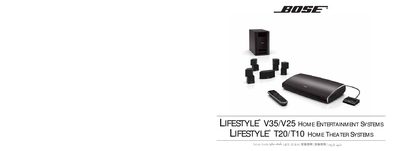
The manual provides safety information, including caution symbols to reduce the risk of electric shock, and instructions for handling the system components. It explains how to unpack the four numbered kits and keep packaging for future transport.
Step‑by‑step installation instructions cover placing the console, connecting HDMI and audio cables, installing the Acoustimass subwoofer, and wiring the power supply. The guide also notes how to verify proper orientation of connectors and what to do if any part is damaged. This manual is written in Chinese.
Insert one end of the HDMI cable into the TV’s HDMI input and the other end into the console’s HDMI connector.
Place the Acoustimass low‑frequency speaker on the floor near the TV, connect its power and audio cables with the arrow‑marked side up, then plug the power cable into an AC outlet.