
This manual covers the specifications, pairing instructions, and settings for the Bluetooth V3.10 CCD barcode scanner.
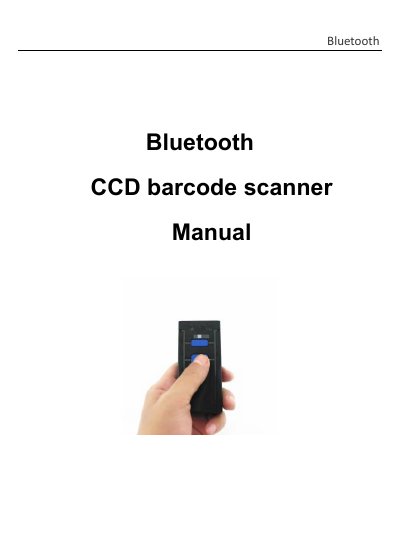
This document provides the user manual for the Bluetooth V3.10 CCD barcode scanner. It details the electrical parameters, sensor specifications, and decoding capabilities of the device. The scanner features a bi-linear CMOS sensor and supports various barcode symbologies including UPC, EAN, Code 39, and Code 128.
| Voltage | 3.3 V ± 10% |
|---|---|
| Sensor Type | bi-linear CMOS sensor using APS technology |
| LED Wavelength | 617nm |
| Scan Speed | 300scans/sec |
| Scanning Width | 30cm |
| Depth of Field (4mil) | 10mm-200mm |
| Bluetooth Distance | 10M |
| Battery Capacity | 3.7V -1100mAh |
| Working Time | 5to7days |
Long press the button or scan the 'Match' settings to enter matching mode.
Connect the scanner to a USB cable; the green light indicates charging.
The default mode is HID mode.