
This product is a Bluetooth speaker that supports MP3, FM radio, recording and other functions. It adopts a 2.1-channel design and is available in black and white.
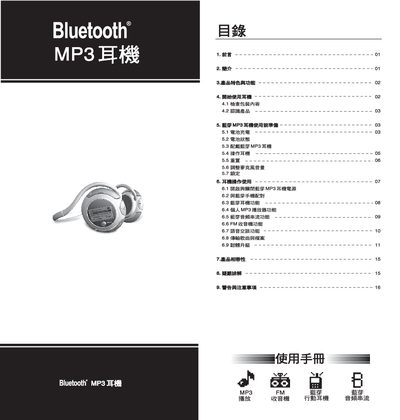
This User Manual covers the HAPP3.3010 Bluetooth MP3 earphone and is intended to help with setup and use. It describes the earphone's hardware information and basic preparation before first use.
The manual includes product features, package contents, charging and battery status, wearing and operating the earphone, reset and button locking, Bluetooth phone pairing, MP3 player functions, FM radio, Bluetooth audio streaming, product compatibility, troubleshooting, and warnings. This manual is written in Chinese.
| LCD display | 128 x 64 |
|---|---|
| Bluetooth transmission range | Up to 10 m in open space |
| Supported audio formats | MP3 and WMA |
| Memory card support | MMC/SD card |
| Battery operating time | Up to four hours of music playback and Bluetooth function per charge |
| First charge time | At least 8 hours |
| Recharge time after full discharge | Within 2 hours |
The manual says the first charge should take at least 8 hours.
The manual says the battery can be fully charged within 2 hours after being fully discharged.
It supports MP3 and WMA audio.
The manual says selecting the button lock option locks all buttons.