
This is a user manual for a Bluetooth keyboard. It includes instructions on how to use the keyboard, how to pair it with a device, and how to troubleshoot problems.
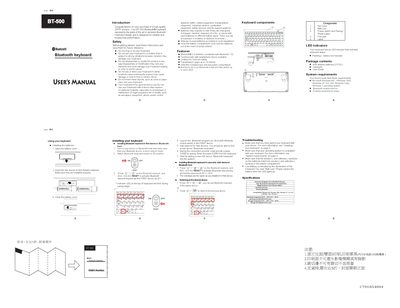
The manual introduces the ZIPPY BT-500 Bluetooth keyboard, highlights safety precautions such as avoiding drops, vibrations, moisture, and improper battery handling, and guides users through battery installation and initial pairing. It also explains how to reset the keyboard, switch between up to six paired Bluetooth hosts, and use the LED indicators for status and low‑battery warnings.
Additional sections cover the keyboard’s components, package contents, system requirements for Windows operating systems, troubleshooting tips, and a detailed specifications table that lists dimensions, weight, key layout, interface, and environmental limits.
| Dimensions | 225 mm (L) × 99 mm (W) × 23.5 mm (H) |
|---|---|
| Keys | 83 keys (JA) / 82 keys (US/UK) |
| Weight | 300 ± 25 g (without battery) |
| Key pitch | 19.0 mm |
| Interface | Bluetooth |
| Compatibility | Windows ME, 2000, XP (x32/x64), Vista, 7 |
| Operating temperature | 32 °F ~ 104 °F (0 °C ~ 40 °C) |
| Operating humidity | ≤ 85 % RH |
| Storage temperature | 5 °F ~ 140 °F (15 °C ~ 60 °C) |
| Storage humidity | ≤ 85 % RH |
Open the battery cover, insert two AAA alkaline batteries, and close the battery cover.
The keyboard can memorize up to six Bluetooth hosts and switch quickly between them.
When the battery is low, the LED indicator flashes and the "Batt.Low" label lights up.