
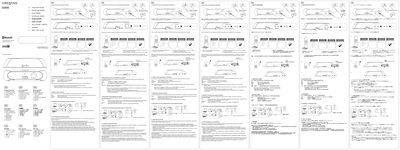
The Creative D200 is a portable Bluetooth speaker with volume, power, CONNECT and AUX inputs. This guide provides the essential steps to get the speaker up and running quickly.
It covers pairing the speaker with Bluetooth devices, switching between paired devices, resetting to factory defaults, using the AUX IN for external audio sources, and a FAQ section that addresses common connection and audio issues.
| LED status indicator (power on) | green |
|---|---|
| Power input | DC IN (G3) |
| Volume control | Down / Up button |
| CONNECT button | present |
Delete the Creative D200 entry from your Bluetooth device’s paired list, then repeat the pairing steps; keep the devices within about 1 meter and make sure neither is connected to another device.
Select the Creative D200 as the audio output device in your computer’s sound settings or manually specify the output as Creative D200.