
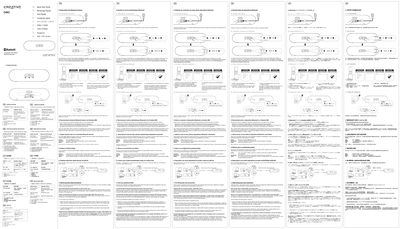
This guide provides step‑by‑step instructions for using the Creative D80 Bluetooth speaker. It covers powering the unit on, connecting to Bluetooth devices, adjusting volume, and using the AUX input.
Additional sections describe how to toggle between the last two paired devices, reset the speaker to factory defaults, and resolve common issues such as power problems or failed Bluetooth connections.
| LED indicator when ON | Steady lit |
|---|---|
| Power input | AC IN |
Make sure the AC cord is firmly connected, the power switch is set to ON, and the LED indicator lights up.
Press and hold the CONNECT button for 8 seconds while the speaker is ON; a long beep and rapid LED blinking indicate the memory has been cleared.
Press the CONNECT button once; the LED will blink every 2 seconds and the speaker will be ready to stream from the other device.