
COM-SIPOS software is a software for SIPOS 5 electric actuators for debugging, parameter setting, operation, diagnosis, maintenance, and graphics.
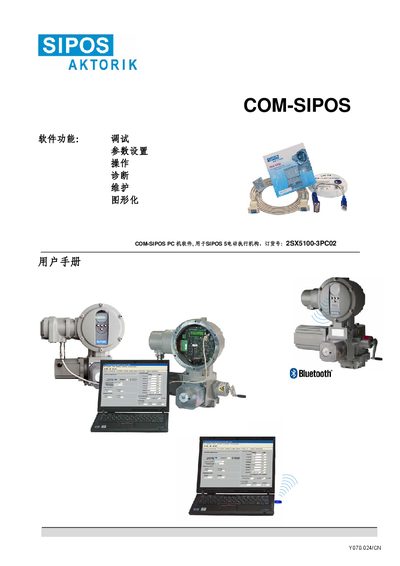
This manual guides users through installing, connecting, and operating the COM-SIPOS Flash software for SIPOS 5 actuators. It covers setup, connection methods including Bluetooth, parameter download/upload, and diagnostic tools. The software supports both PROFITRON and ECOTRON models with different feature restrictions.
The manual includes detailed sections on system requirements, interface menus, and troubleshooting, with specific instructions for different connection types and actuator models. This manual is written in Chinese.
| Hardware Requirements | Pentium 100 MHz processor, COM or USB port, CD-ROM drive |
|---|---|
| Operating System | Windows |
No, firmware upgrades must be done via RS232 cable only.
It is used for debugging, parameter setting, operation, diagnosis, maintenance, troubleshooting, and graphical functions.
A Pentium 100 MHz processor, COM or USB interface, CD-ROM drive, and at least 5MB of disk space.
Open the electronic unit’s cover and avoid ESD on sensitive components.